Animate Image with AI: Turn Photos into Video

AI image animation
Turn a photo or illustration into video with our AI image animator. Describe the motion, then review your MP4.

AI generation and credit purchases are not open yet. You can explore the examples and guides, or prepare an image and motion prompt.

Image to videoOne image. One new moment.

Your image

or drop a file hereJPG, PNG or static WebP · Up to 10 MiB
PreviewYour canvas

A still. Then a story.

Choose an image to begin.

0.0 / 4.0s
01 — Choose your starting pointSource → motion → review

Your image stays on your device until you confirm submission.

Make something worth keeping. Or ready to launch.

A pet you miss. A product ready to launch. A character ready to meet the world. Start with the image that matters to your project.

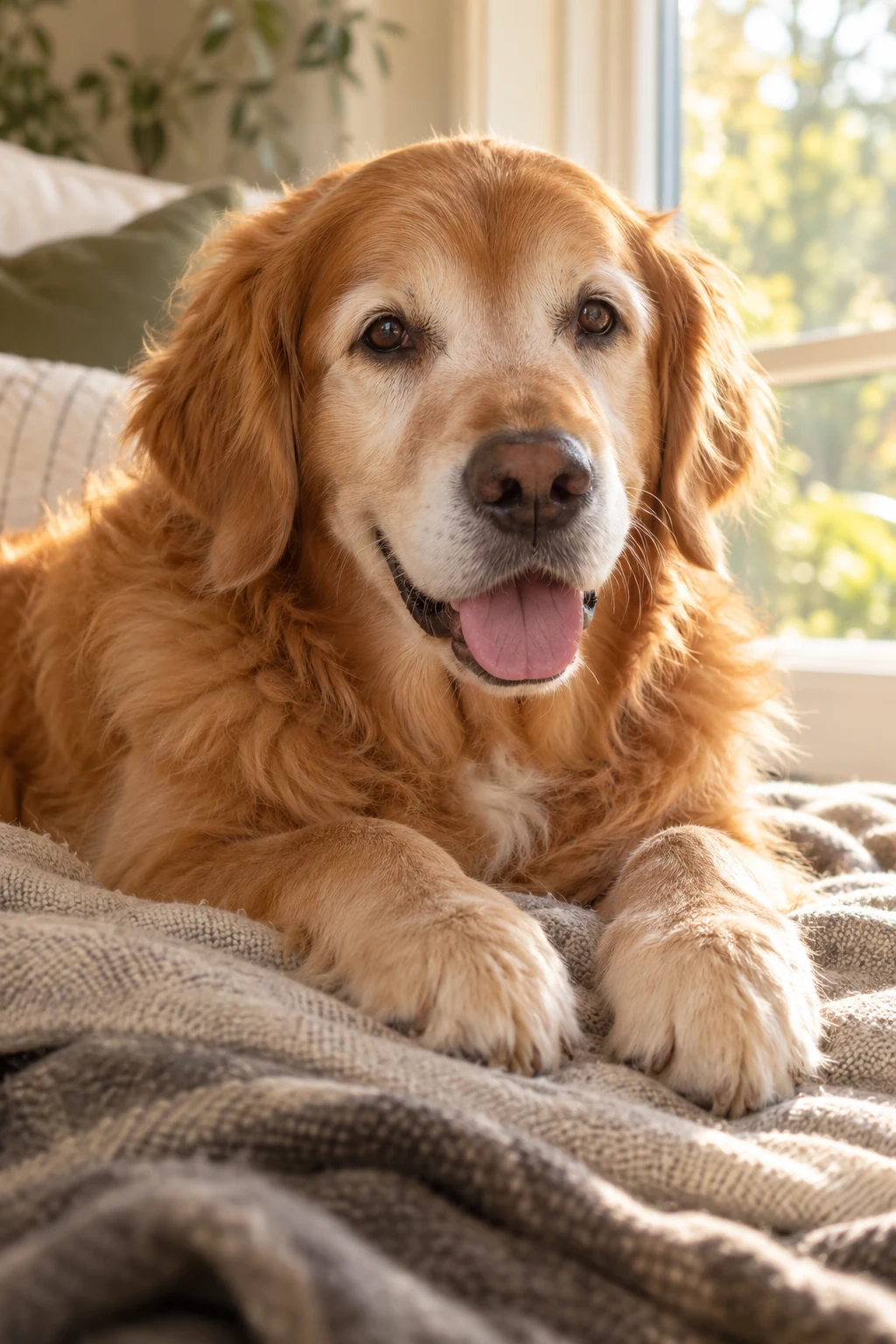
An older golden retriever resting on a blanket beside a sunlit window, looking toward the camera.
Pet remembrance

Keep a memory of your pet in motion.

When a favorite photo is what you have left, create a gentle animated keepsake for a pet remembrance video or a moment just for you.

Create a gentle animated keepsake from a favorite photo of a pet you miss.

Create a pet keepsake
Explore a motion prompt for pet remembrance
The resting dog takes a quiet breath, blinks slowly and makes one tiny ear movement. Keep its face, coat markings, paws and resting pose consistent. Locked camera. No walking or large gestures.

An unbranded amber perfume bottle on limestone, with a soft fabric backdrop and a diagonal shaft of light.
Product launches

Turn your product photo into a launch clip.

Launching something new with only still photos? Turn a product shot into a short motion clip for your launch post, then add your offer and captions in your own editor.

Use an existing product photo to prepare a short clip for your next launch post.

Animate a product photo
Explore a motion prompt for product launches
A soft highlight travels slowly across the glass perfume bottle as the camera gently pushes in. Keep the bottle silhouette, cap, base and amber liquid consistent. The bottle stays upright and stationary. No added text, objects or pouring.

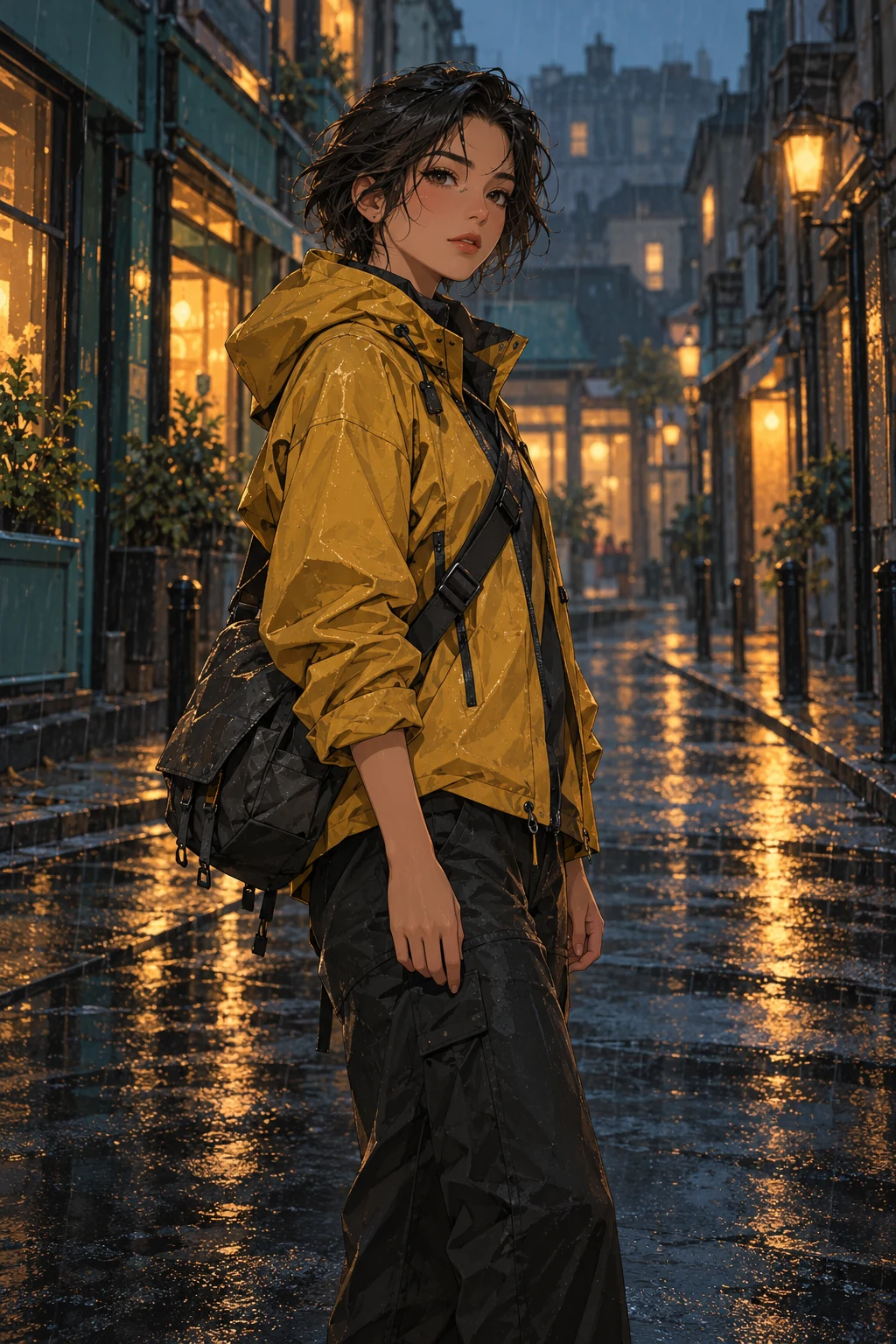
An original illustrated courier with a mustard jacket and short dark hair standing on a rain-soaked city street.
Original characters

Introduce your original character in motion.

Ready to reveal a new character? Start with your finished illustration and create a short animated introduction for your portfolio or release post.

Turn your finished illustration into a short character introduction.

Animate your character
Explore a motion prompt for original characters
The character blinks once. A light breeze moves a few hair strands and the edge of the mustard jacket. Rain falls softly and reflections shimmer. Keep the character's face, outfit and illustrated style consistent. Locked camera; no walking or speaking.

AI-created starting images. Explore a motion prompt for your own photo or artwork.

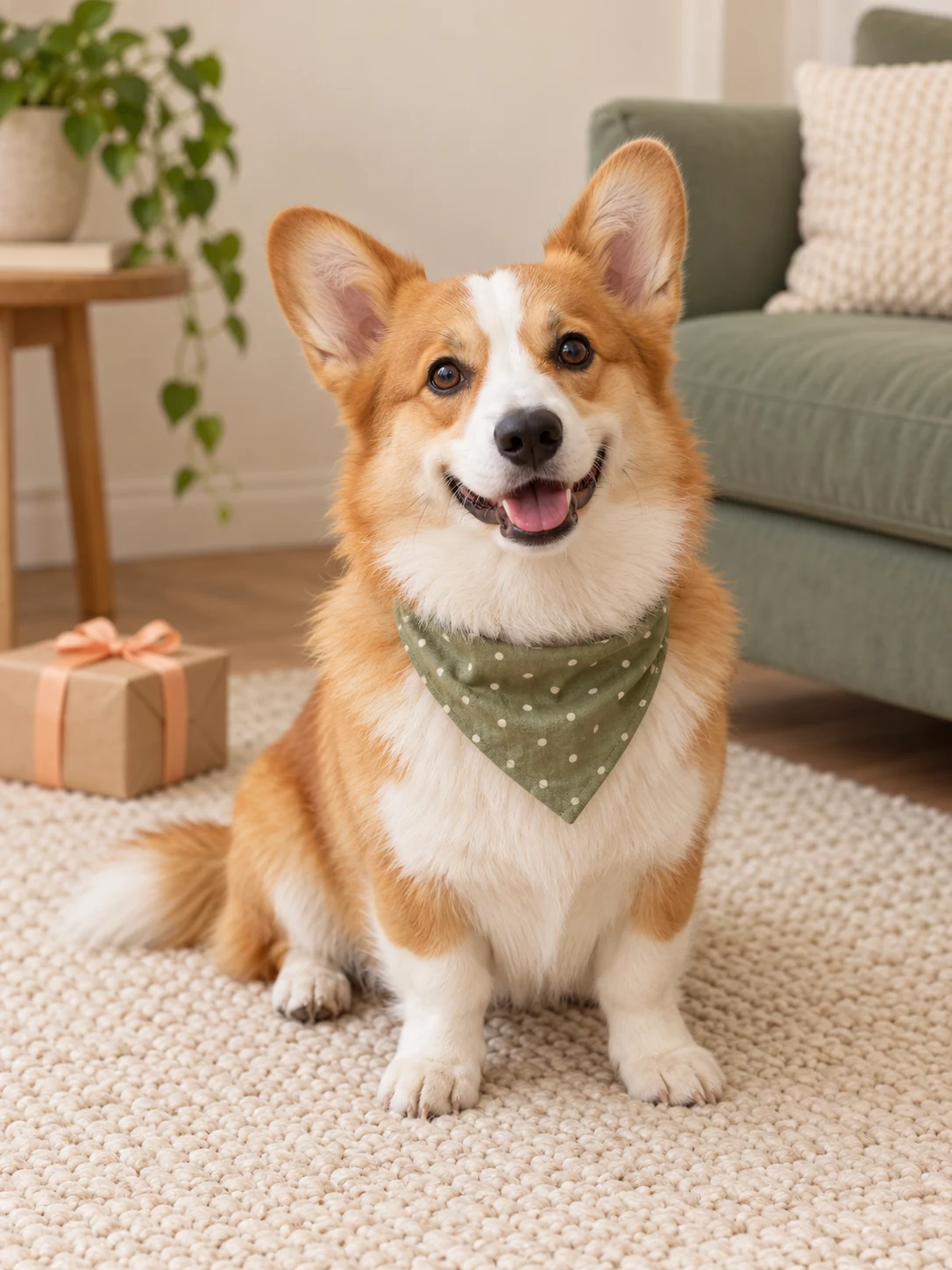
A corgi wearing a sage birthday bandana, sitting on a cream rug beside a small wrapped gift.
Starting image · AI-created source image.
Pet birthdays

Make a birthday clip starring your dog.

Your dog's birthday is coming up. Start with a favorite photo, describe a small movement, and create a clip to send to family or add to a birthday post.

Turn a favorite dog photo into a birthday clip for family or a celebration post.

  • Start with your own subject

    Start with a favorite photo, with your dog's face and features clearly visible.

  • Describe one small action

    Describe a small head tilt, a blink or a gentle tail wag.

  • Make it part of the celebration

    Review the animation, download your MP4 and add it to a message or birthday edit.

Make a pet birthday clip

AI may change details. Review the whole clip before sharing.

Explore a motion prompt for pet birthdays
The corgi tilts its head slightly toward the camera, blinks and gently wags its visible tail. Keep its face, white blaze, bandana and body proportions consistent. The dog stays seated. Locked camera; no jumping or extra objects.

For the next release. The next event. Your next anniversary.

Create a short clip for something you are already preparing to share.

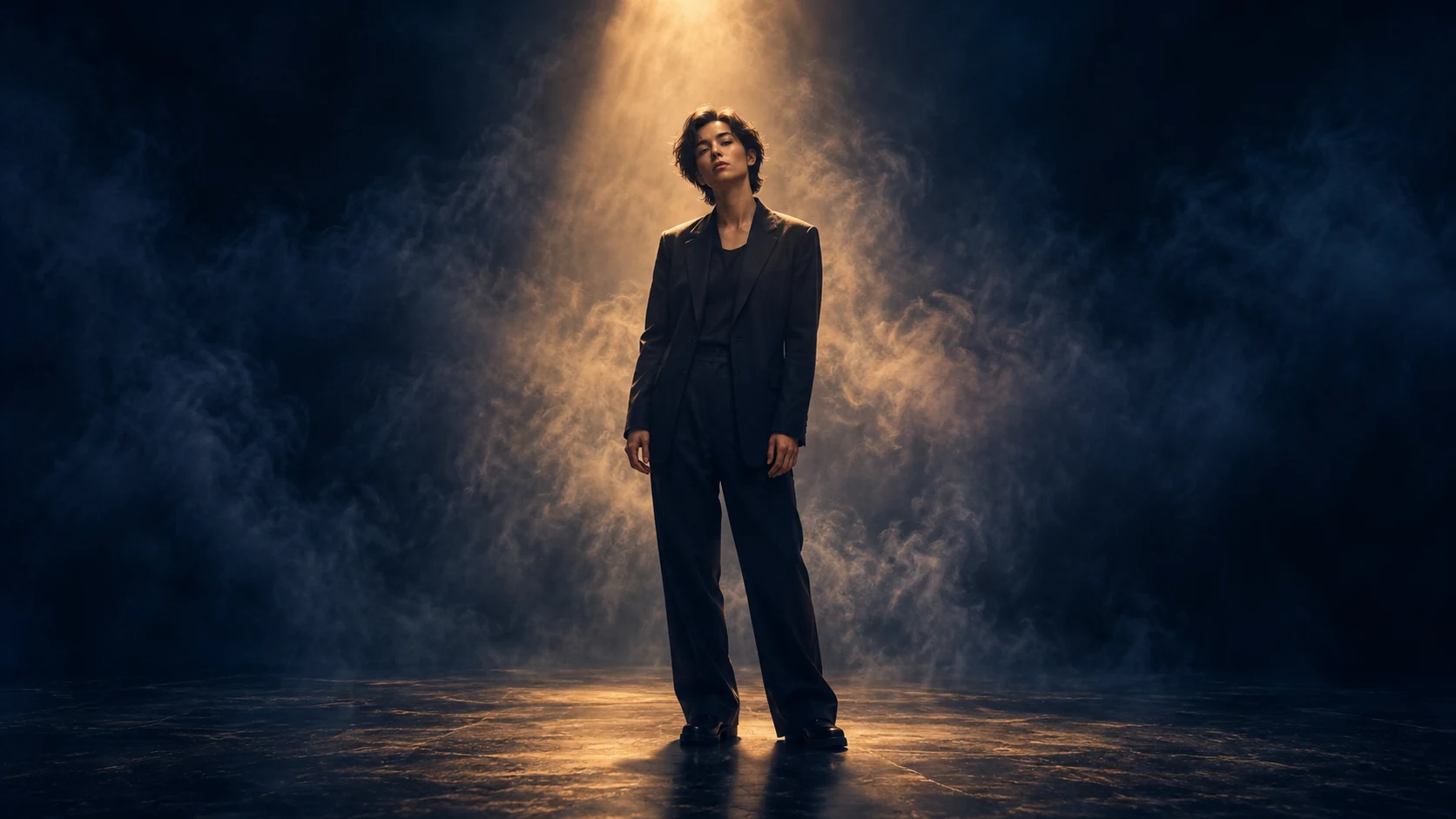
Original album artwork showing a lone singer beneath an amber spotlight in a hazy midnight-blue room.
Starting image · AI-created source image.
Music releases

Give your new release a moving cover.

The track is ready. The cover is finished. Give the artwork a moving counterpart for your release teaser, then pair the downloaded clip with your music and release details.

Start with a slow camera move, drifting haze or a small movement in the subject. Use the MP4 as visual footage in your own edit; add the track, title and release date there.

Create moving artwork for the song you are about to release.

Animate your cover art
Explore a motion prompt for music releases
Thin stage haze drifts slowly through the amber spotlight. The singer takes a subtle breath and the jacket hem moves slightly. Keep the figure, face and composition consistent. Very slow camera push. No mouth movement, added text or scene changes.

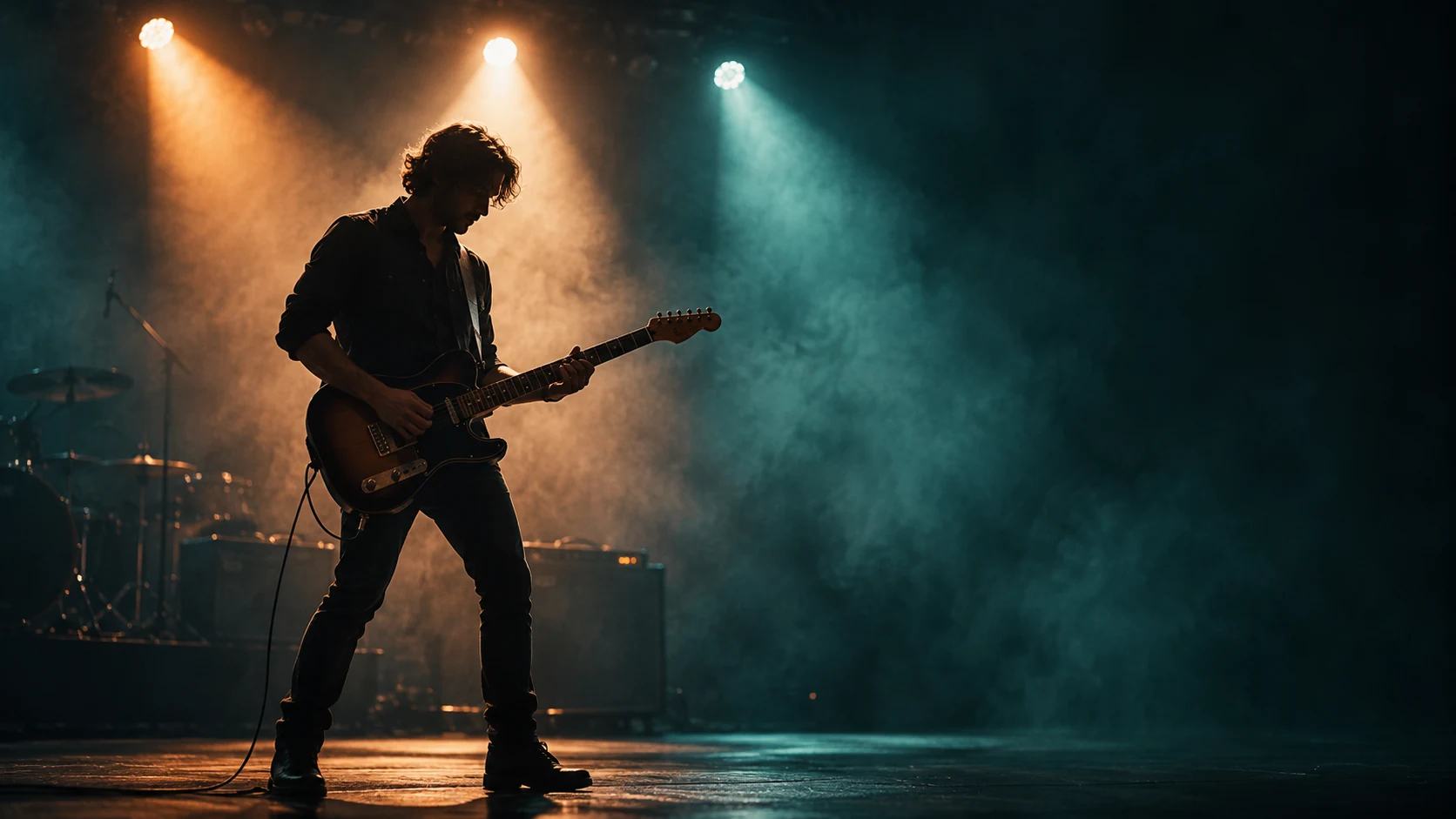
An original live-show visual with a guitarist silhouetted against apricot stage lights and teal haze.
Starting image · AI-created source image.
Event announcements

Turn your show artwork into an announcement.

You already have the key visual for your show. Add movement to its lights, haze or performer, then place the event name, date and ticket details over the clip in your own editor.

Begin with the visual layer of the poster. Give its lights, haze or performer a small movement, then add the event name, date and ticket details in your video editor so the information stays readable.

Turn your event's key visual into footage for a moving announcement.

Create an event clip
Explore a motion prompt for event announcements
Apricot stage lights sweep slowly through thin teal haze while the guitarist makes a small natural posture shift. Keep the guitar, hands, performer silhouette and stage layout consistent. Fixed camera. No added text, audience, objects or cuts.

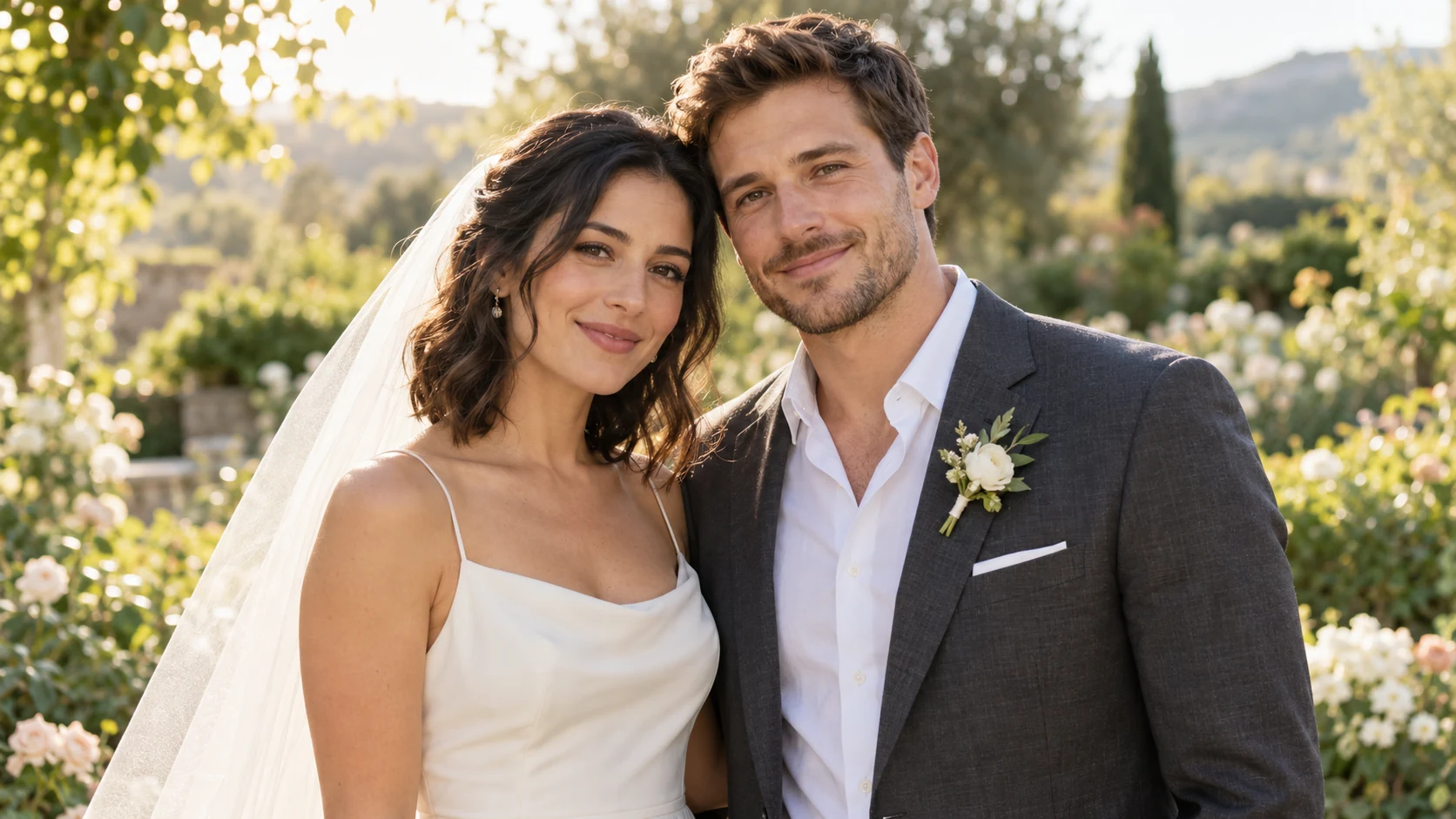
A newlywed couple standing close together in a sunlit garden, with an ivory veil resting beside the bride's shoulder.
Starting image · AI-created source image.
Anniversary gifts

Make your wedding photo an anniversary surprise.

An anniversary coming up? Turn a favorite wedding photo into a short animated moment to send your partner or include in a personal anniversary video.

Ask for a small smile or a gentle movement in the veil. Keep the moment close to the photo, review both faces through the full clip, and add a personal message in your own edit.

Create a personal anniversary clip from your wedding photo.

Make an anniversary clip
Explore a motion prompt for anniversary gifts
The couple shares a tiny natural smile and a slight glance toward each other. A light breeze gently moves the veil. Keep both faces, clothing and hand positions consistent. Locked camera, minimal movement, no kiss, embrace, lip sync or new objects.

How to animate an image
in three steps.

Use the AI image animator to animate image details with a clear motion prompt. Review the settings and cost before confirming.

  1. 01

    Choose your image

    Add one photo or illustration you have permission to use. Your source preview helps you check the composition before submitting.

  2. 02

    Describe what moves

    Choose a suggestion or write a short prompt. Name the subject, its movement and what the camera should do.

  3. 03

    Review, then create

    Check the available output settings and credit cost before confirmation. Watch the resulting clip before downloading your MP4.

Know what you are
about to create.

Choosing a file is only the starting point. Review the details before you commit to a generation.

Understand credits

Review the cost first

AI generation uses credits. Check the job cost and selected outputs before confirmation. Any promotional credits are shown only when available to your account.

Choose when to submit

File selection prepares a local preview. Read the upload and retention information, then confirm when you are ready to send the image for generation.

Keep the result you want

Review the full video and download the existing result without starting another job. A changed prompt requires a new quote and confirmation.

Credits for your
next animation.

Choose a one-time pack for AI image animation. Each generation has its own quote, so you can review the cost before you begin.

Credit purchases are not open yet. The packs below are shown for reference.

One-time payment

No subscription. No automatic renewal.

Starter

For a first animation project.

$12USD

32 credits

  • For AI image animation
  • Review the cost before generating
  • Credit validity: 1 month
  • Download an existing result without another generation charge

Creator

For a series of creative ideas.

$49.90USD

180 credits

  • For AI image animation
  • Review the cost before generating
  • Credit validity: 10 years
  • Download an existing result without another generation charge

Studio

For a larger collection of projects.

$99.90USD

360 credits

  • For AI image animation
  • Review the cost before generating
  • Credit validity: 10 years
  • Download an existing result without another generation charge

Credits are used per generation. Review the quote before confirming, and check the currency, expiry and final total before paying.

A few questions,
answered.

The essentials on source images, motion prompts, downloads and credits.

How does the AI image animator work?

It creates new video frames from one starting image and your motion instructions. Describe what should move, its direction and pace, and whether the camera should stay still. Generated frames may reinterpret source details.

Can I animate image files in JPG, PNG or WebP?

Yes. Upload one JPG, PNG or static WebP image up to 10 MiB. Use an image you own or have permission to use. Choose a clear subject with readable detail and some space around it.

Can I animate an image for free?

Our AI image animator uses credits. Any promotional credits available to your account and the exact cost are shown before you confirm a job.

Can I animate image backgrounds?

You can ask for clouds to drift, water to ripple or fabric to move while the camera stays still. These instructions guide generation; they do not guarantee an unchanged subject or background.

Will faces, text and product details stay the same?

Not always. AI can change faces, lettering, shapes and edges across the clip. Check the complete result before using it. For precise movement of unchanged artwork, apply pan, zoom or rotation in a conventional photo or video editor.

What can I download?

AI animation produces an MP4 video. Available duration and resolution are shown with the selected output settings.

When is my image submitted?

Choosing a file prepares a local source preview. Remote generation requires explicit confirmation. Review the upload notice, selected settings, retention information and cost before submitting. An account is required for AI generation.

Does another attempt cost credits?

A new generation requires a new quote and confirmation. Review the cost before trying a different prompt. Downloading an existing result does not create another generation job.

Start with an image
you want to see move.

Choose your picture. Give it one clear direction.

Upload an image